Connect the systems your service team already uses.
A service job can involve scheduling, parts purchasing and billing in different systems. Progress helps connect them so the people handling the job can use the information they need.
We work with your staff and software providers to develop connections around the systems your business already uses.
Systems your business may already use
These providers offer different ways to exchange information. Here are examples to explore for your business.

Connect job information with your other business systems.

Bring supplier purchasing and invoice information into your office workflow.
Wesco / Anixter
Connect electrical and network-supply purchasing with company records.

Bring distributor quotes, orders and shipment information into your sales or purchasing tools.

Check business-service availability and obtain quotes through supported provider connections.

Bring connected-device status and usage information into your business systems.
Technical details and provider documentation
ServiceTitan
Job, dispatch and inventory APIs. Developer access and customer permissions determine the available exchange. Provider documentation for ServiceTitan (opens in a new tab) ↗
Ferguson
Electronic catalogs, PunchOut and system-to-system ordering for procurement and accounting documents. Confirm the customer’s purchasing setup. Provider documentation for Ferguson (opens in a new tab) ↗
Wesco / Anixter
EDI, cXML and catalog connections. Confirm supported transactions and onboarding for the customer’s account. Provider documentation for Wesco / Anixter (opens in a new tab) ↗
Westcon-Comstor
AIM partner APIs for pricing, availability, quotes, orders, shipments and invoices. Access uses an assigned partner key and separate test and production environments. Provider documentation for Westcon-Comstor (opens in a new tab) ↗
AT&T
Partner Solutions APIs and connectors for selected service availability and quotes. Partner Exchange is a separate reseller program, with its own application and terms. Provider documentation for AT&T (opens in a new tab) ↗ Partner Exchange reseller program ↗
Verizon
ThingSpace connectivity-management APIs support device status, usage and connectivity information. Confirm eligible accounts, devices, services and permissions. Provider documentation for Verizon (opens in a new tab) ↗
Provider access, supported transactions and program eligibility need to be confirmed for the proposed project.
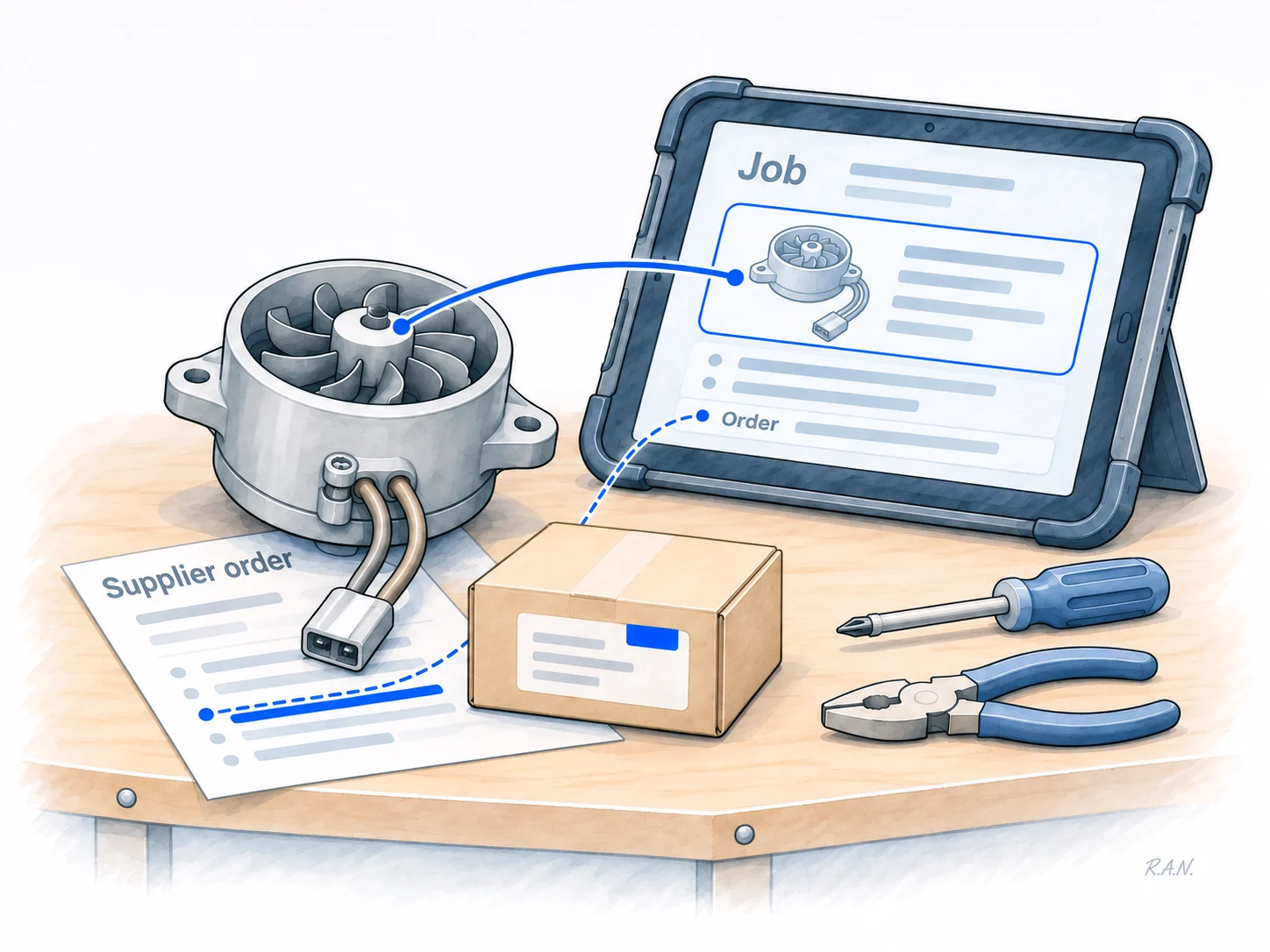
Keep the parts order connected to the job.
A technician identifies a part needed for a repair. Someone orders it from a supplier. The office needs to know which job it belongs to, and the person scheduling the repair needs the delivery information.
That is one situation an integration can address. Progress works with your team to decide which information should move, where it belongs and who needs it. We check what your existing software already supports, then develop the missing connection where custom work is useful.
We test the exchange with the people using it, including what happens when an order changes, information is missing or a connection fails.
How Progress develops and checks client systems →Which systems do your people need to connect?
Tell us what you use today, what starts the exchange—a job, quote, order or update—and who needs the result.
Tell us what needs to connect →For software providers and channel collaborators: discuss a connection for your customers →